The next generation of Torah typesetting
Upload a Word file and get a typeset kuntres or sefer, ready for the print shop: a title page, a table of contents, notes in their place and pages filled to the last line. All the way to Tzuras HaDaf and commentaries in tiers.
Working in the studio is free. The sample book opens without signing up.
The studio opens on a computer. Send yourself the link, and the sample book opens there at once, with no sign-up.
Things you can ask it
The Assistant does nearly anything in the book
Tell it in plain words what you want, and it does it in the book, before your eyes: the design, the title page, headings, notes, commentators from Otzaria, page breaks and the table of contents. Any answer it gives can be undone with one click.
- You see exactly what changed: the setting, what it was and what it is now
- A sweeping change to the text is shown for approval before it is made
- When it isn't clear what you meant, it asks instead of guessing
Design
- Put the book in two columns
- Make the notes' letters a little bigger
- Switch to another ready-made design
- Add a divider between the sections
The book's parts
- Add a title page with the name and the author
- Make every bold line a heading
- Add a table of contents
- Build a subject index
Text and notes
- Add Rashi and Tosafos from Otzaria
- Move the commentary after each paragraph into notes
- Replace gershayim with quotation marks everywhere
Pages and print
- Fix the pages that didn't fill
- Keep this paragraph on one page
- Open the PDF export for print
A kuntres in three steps
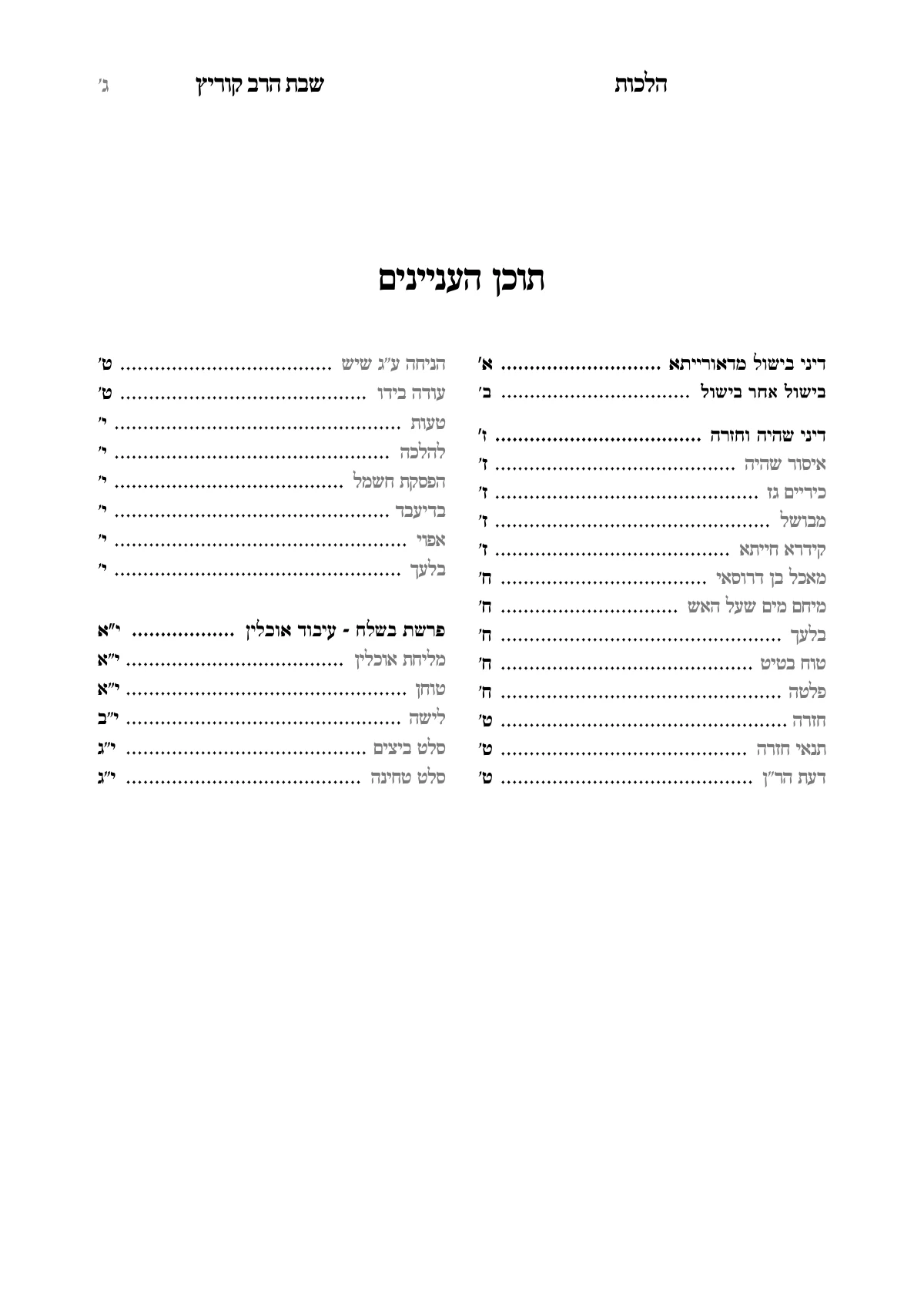
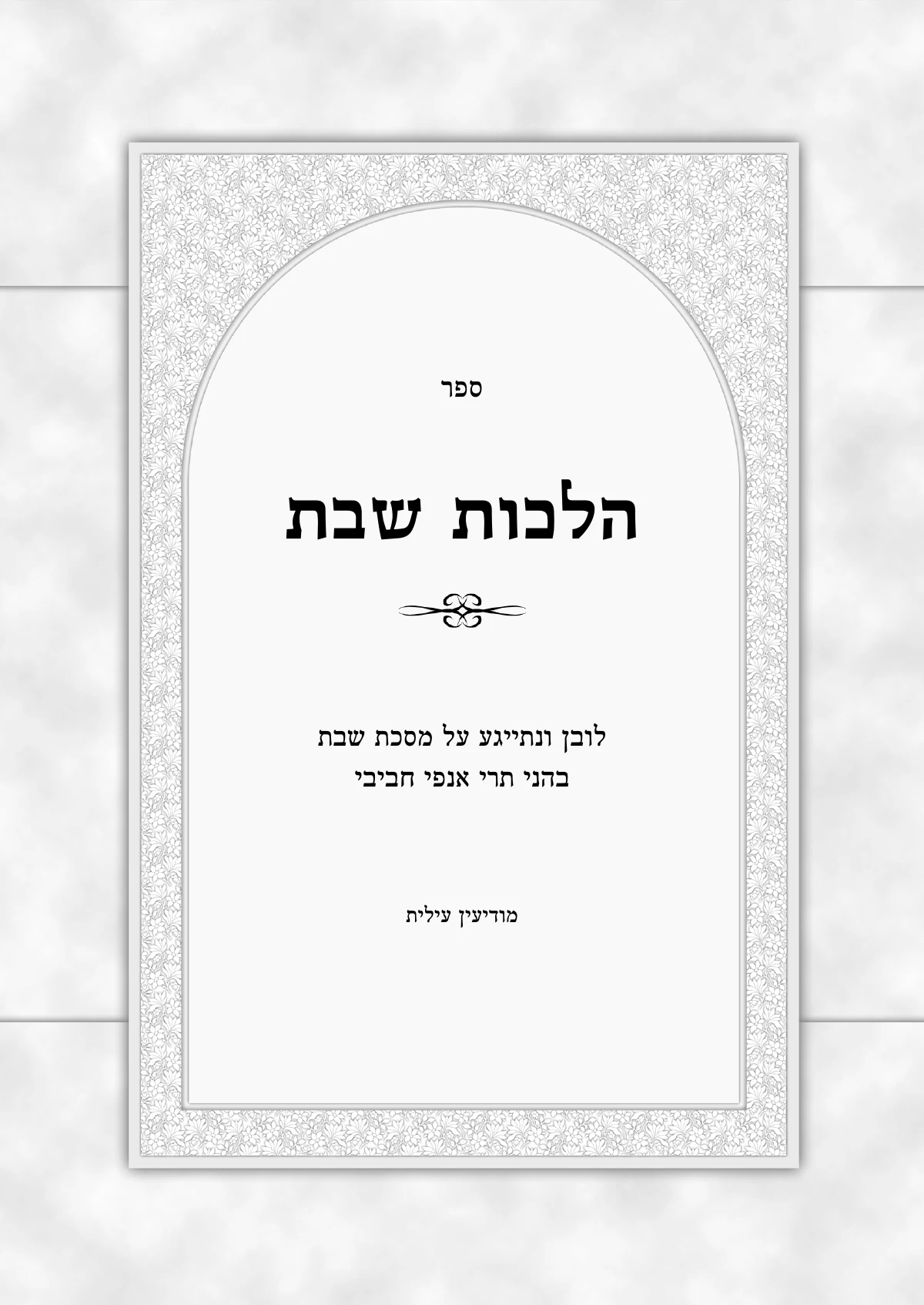
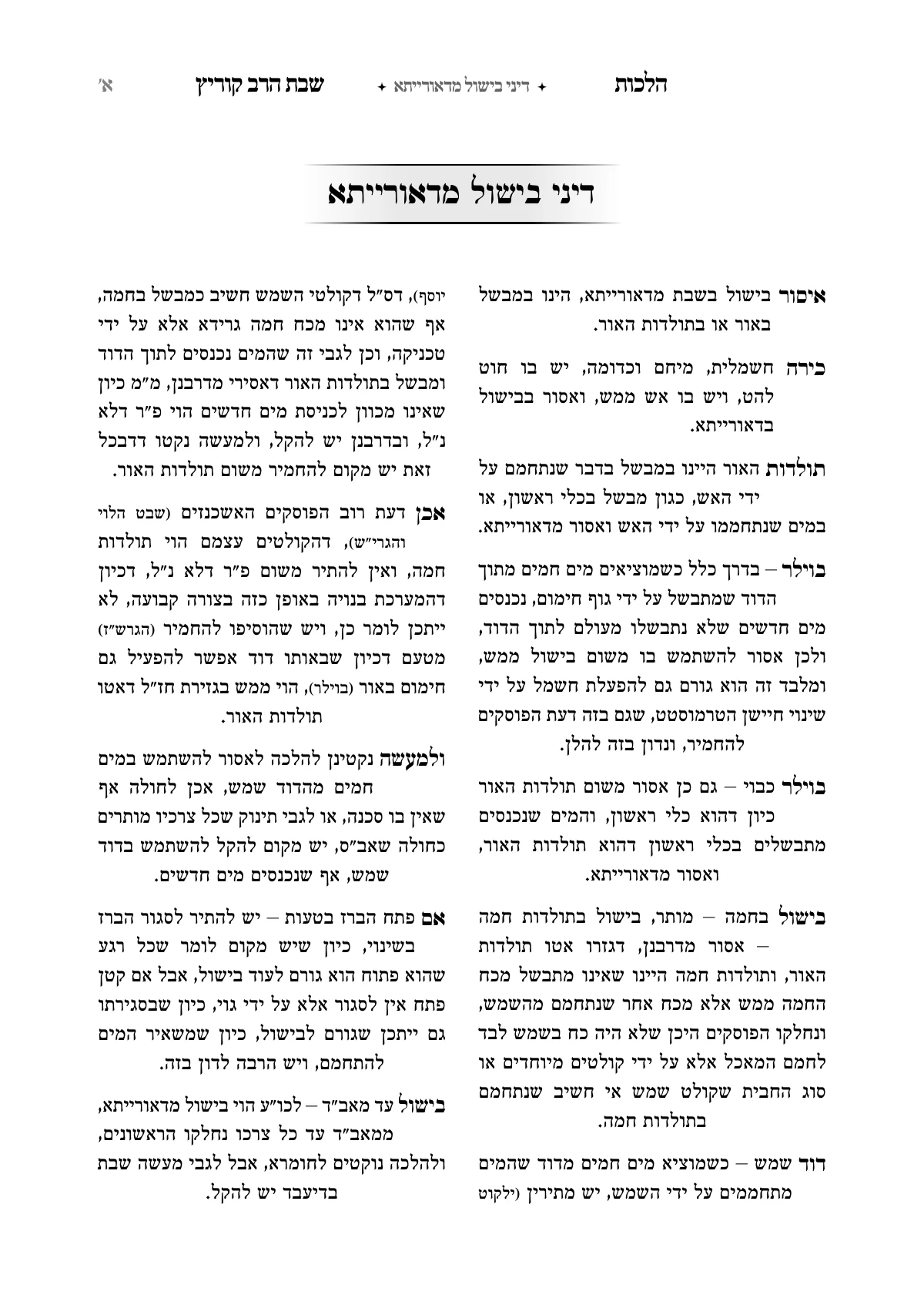
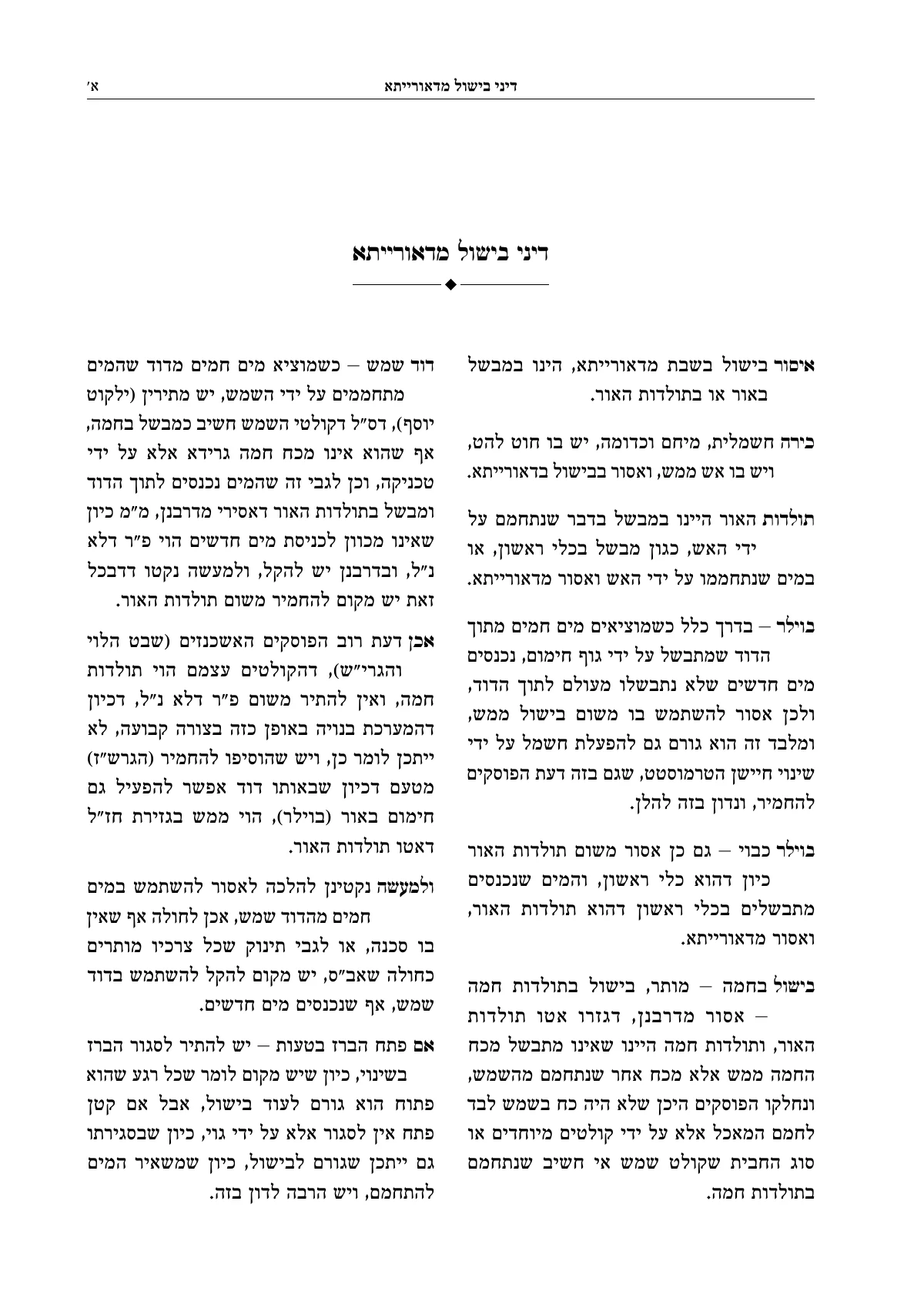
No typesetting program to learn and nothing to install. The pages here are from a kuntres on Hilchos Shabbos, as it came out of Ariach.
Upload the Word file
As it is. Headings stay headings, and footnotes become notes on the page, each beside its word.
Choose a design and a title page
A ready-made design for the whole book, a framed title page and a table of contents that builds itself. You see the design on your own pages before you choose.
Download a PDF for print
A file that is ready for the print shop, identical to the pages on the screen. Found a mistake later? Fix it and download again.
Or from the Otzaria library: about 8,500 seforim, with the commentaries you choose.
Hilchos Shabbos · a kuntres of 19 pages
After hours of hard work trying to lay it out in Word, within a few minutes I had the result of a finished book, and it made me want to put in the effort and bring it out into the world.
From a simple kuntres to Tzuras HaDaf
The same program and the same steps. Every page here came out of Ariach as it is.
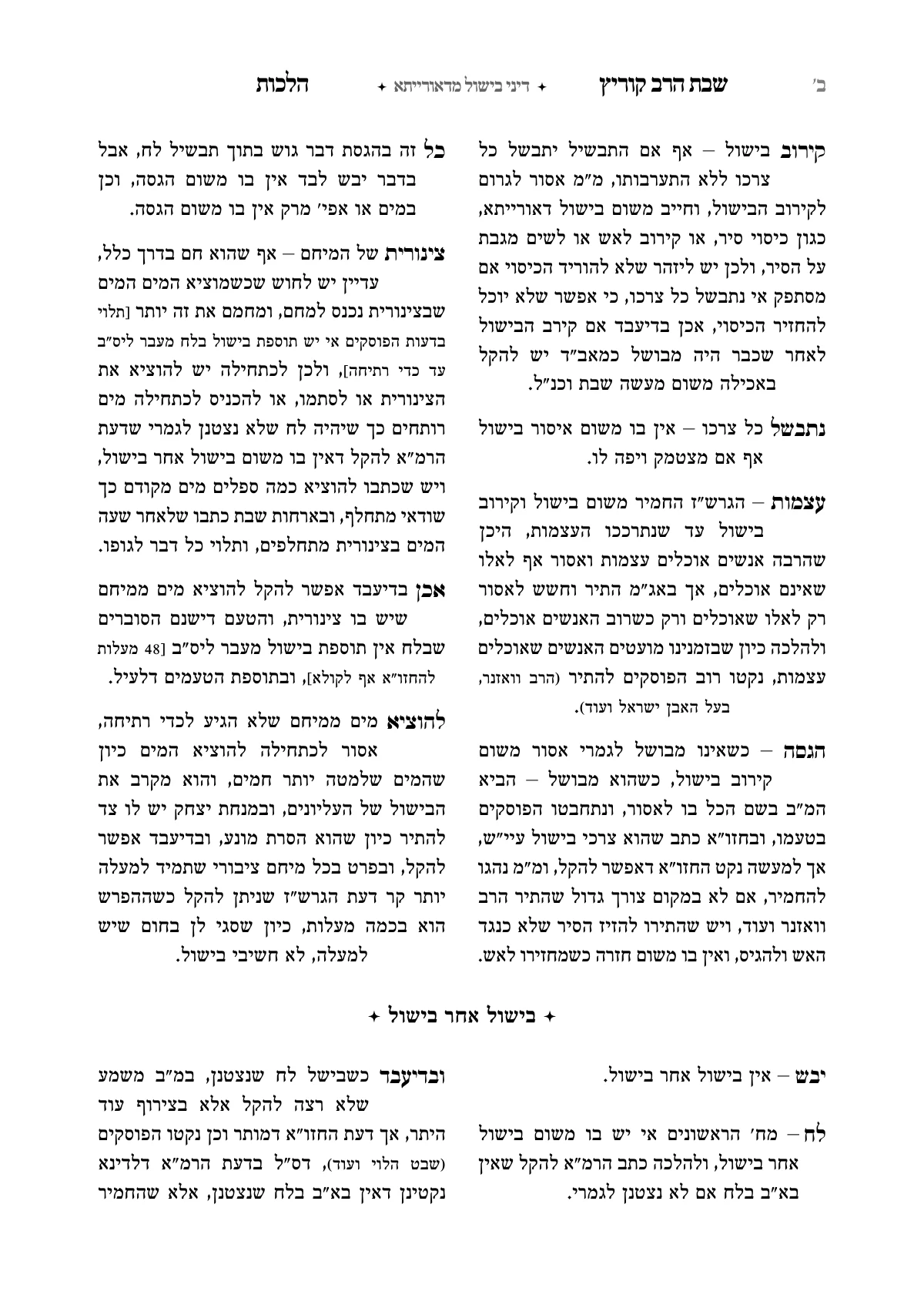
Kuntres
Hilchos Shabbos
Chapters, headings, notes and a table of contents. A kuntres for sheva brachos, a bar mitzvah, a yahrzeit.
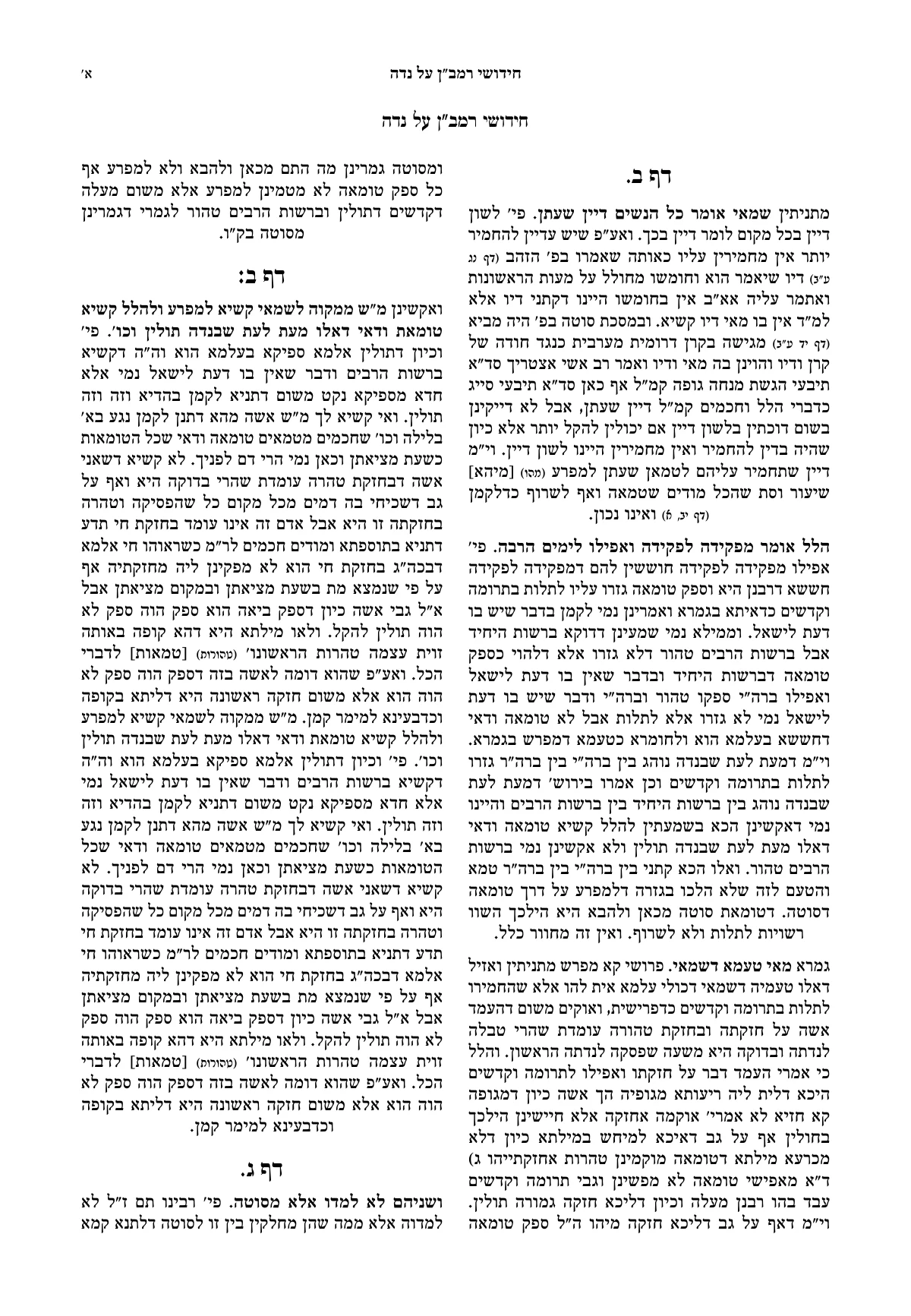
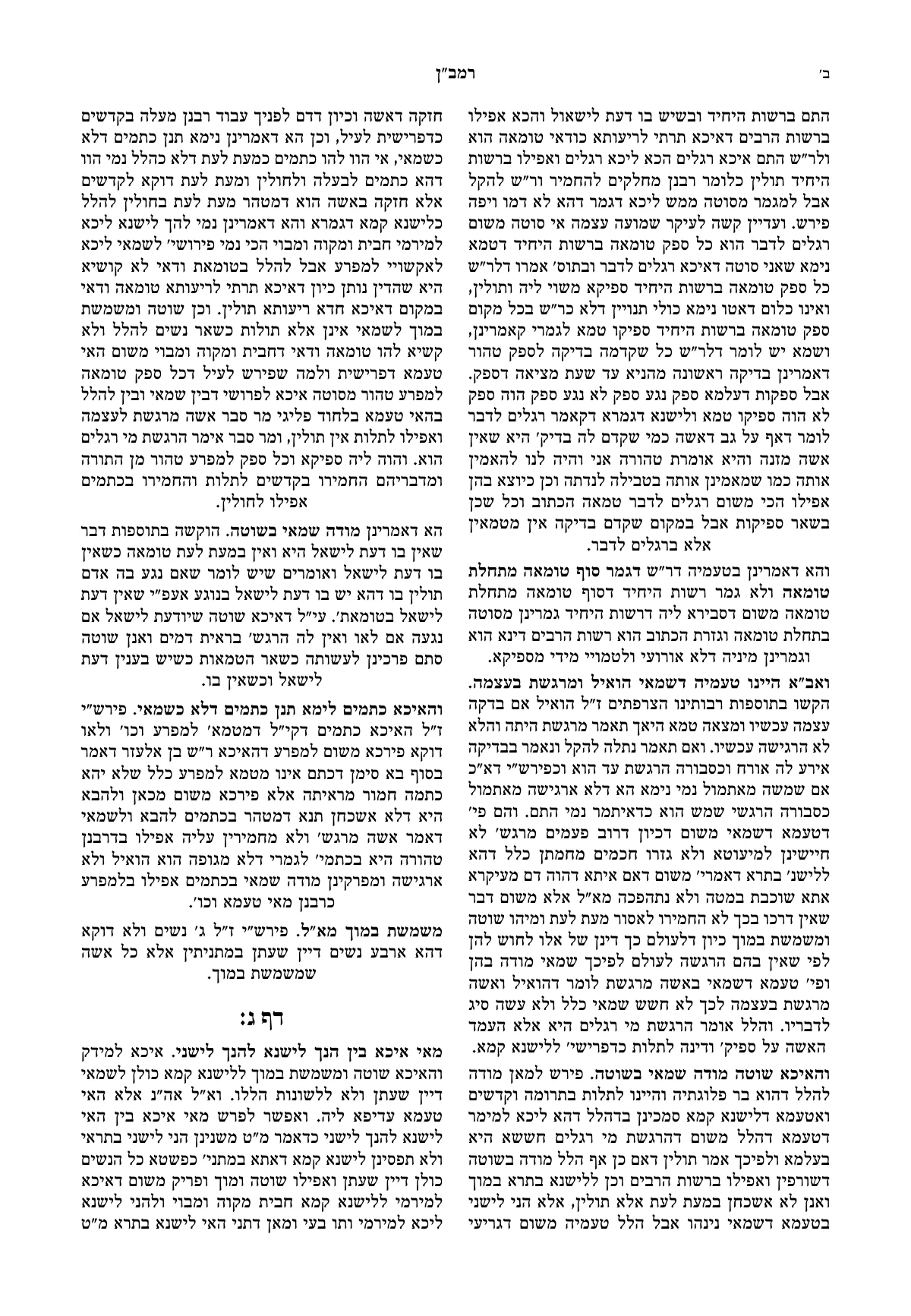
Sefer of chiddushim
Chiddushei HaRamban on Maseches Niddah
Two columns, headings, a running head and page numbers. A sefer of chiddushim, a sefer of mussar, a memorial booklet.
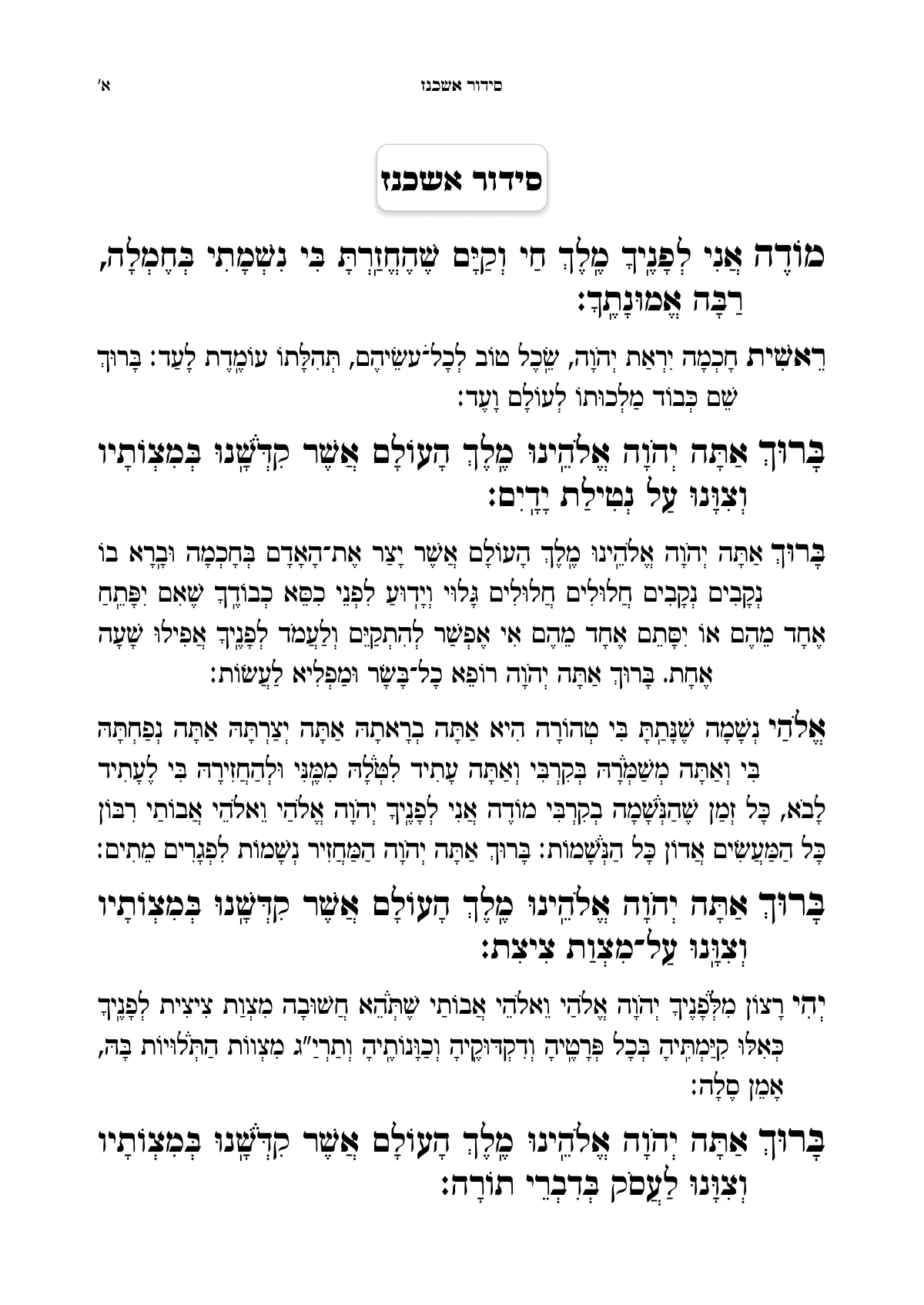
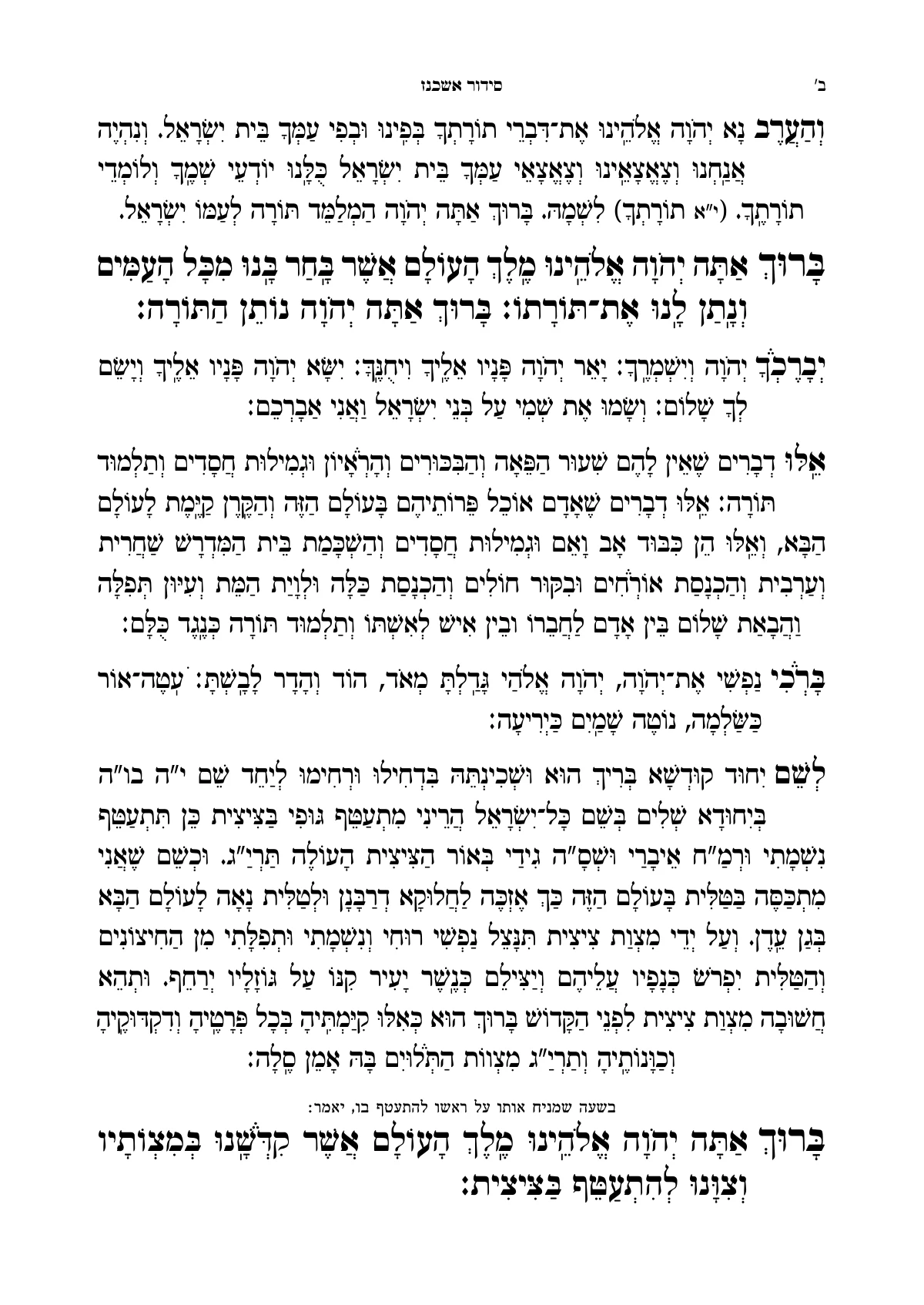
Siddur
Siddur, Shacharis for weekdays
Large letters with nikud, and line spacing that leaves the nikud and taamim their room.
And the most complex seforim too
Commentaries around the text, several texts on one page, and a book whose pages are all laid out together.
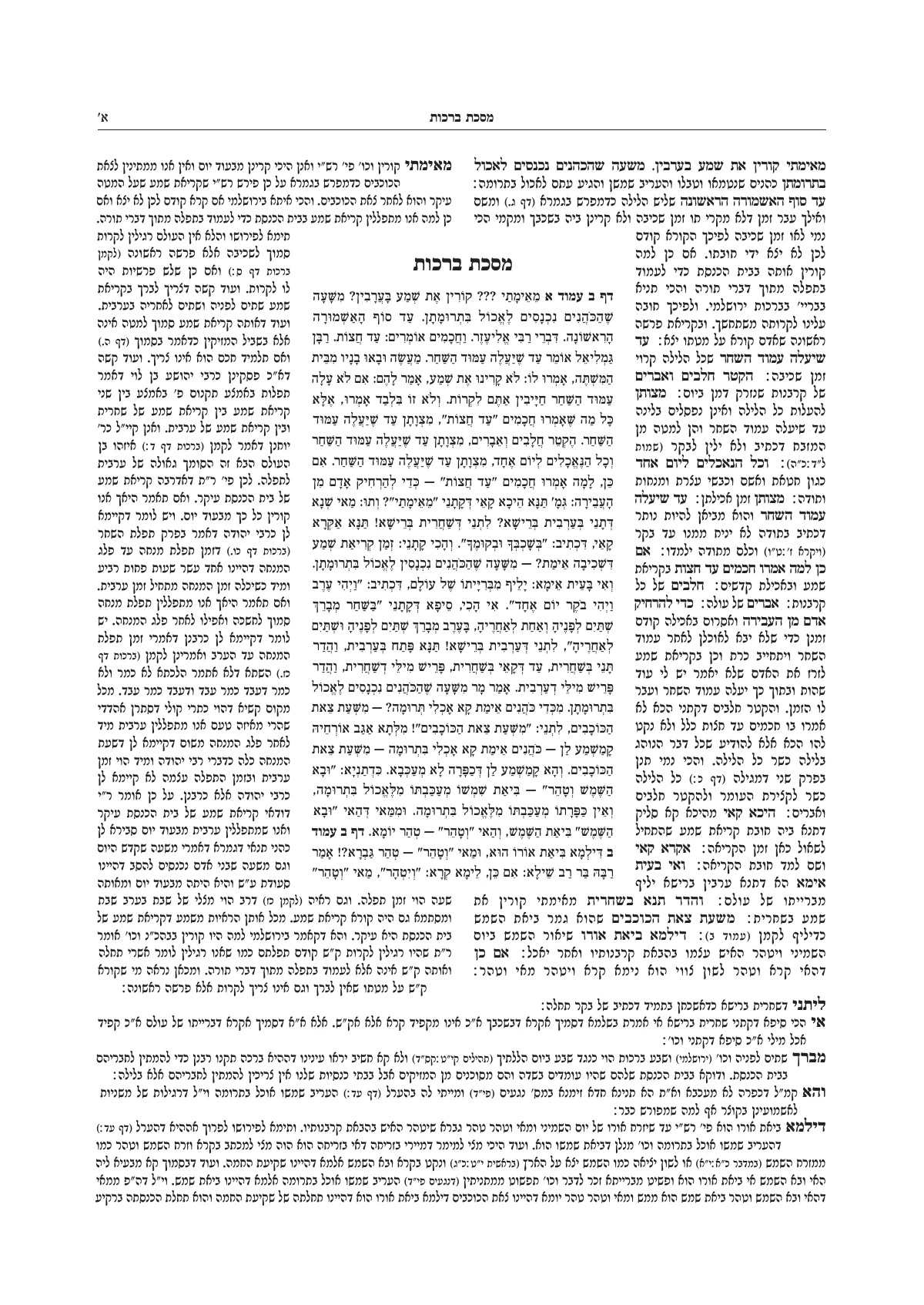
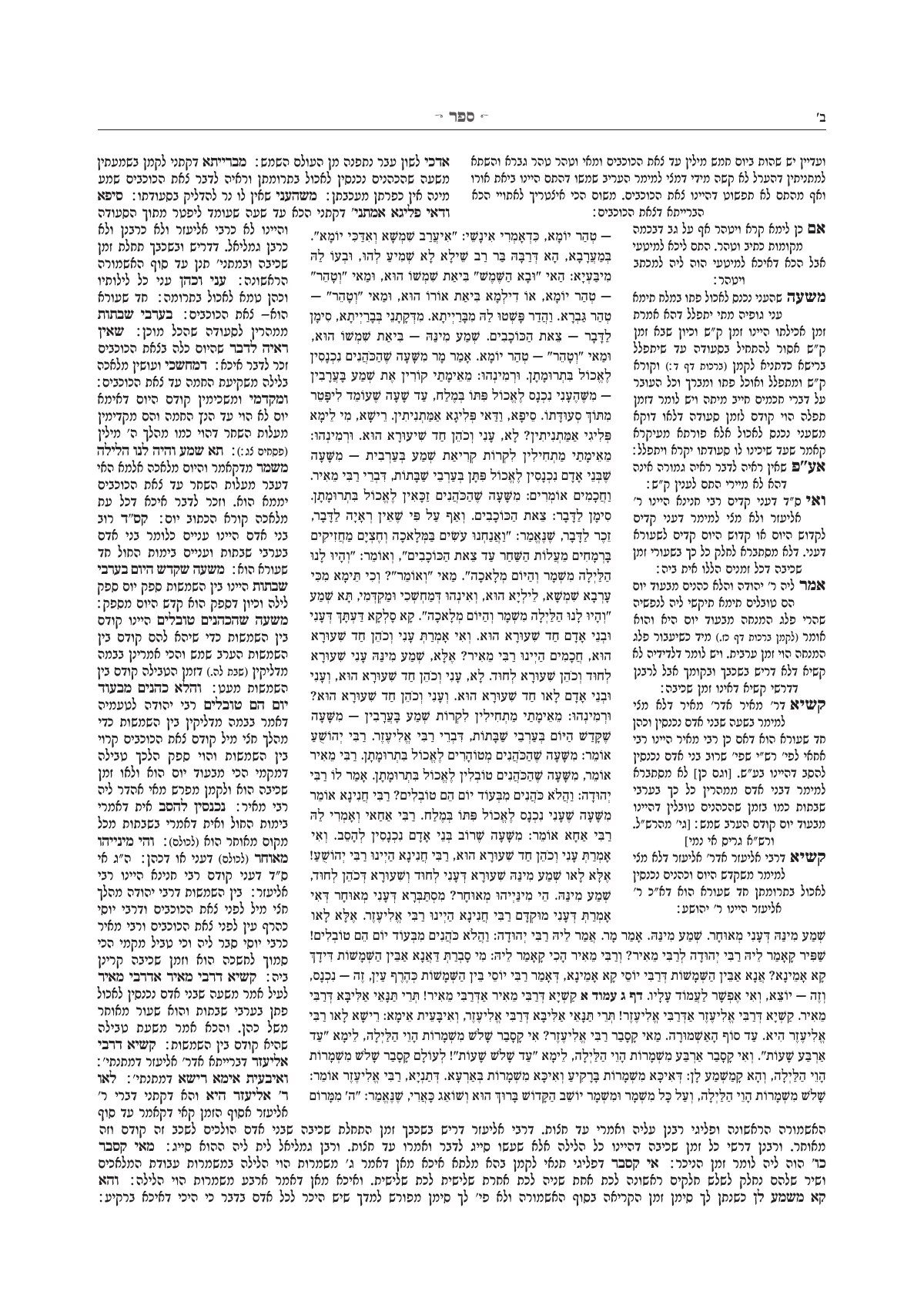
Tzuras HaDaf
Berachos, with Rashi and Tosafos
The Gemara in the middle, Rashi by the binding and Tosafos on the outside, as in the Vilna printing.
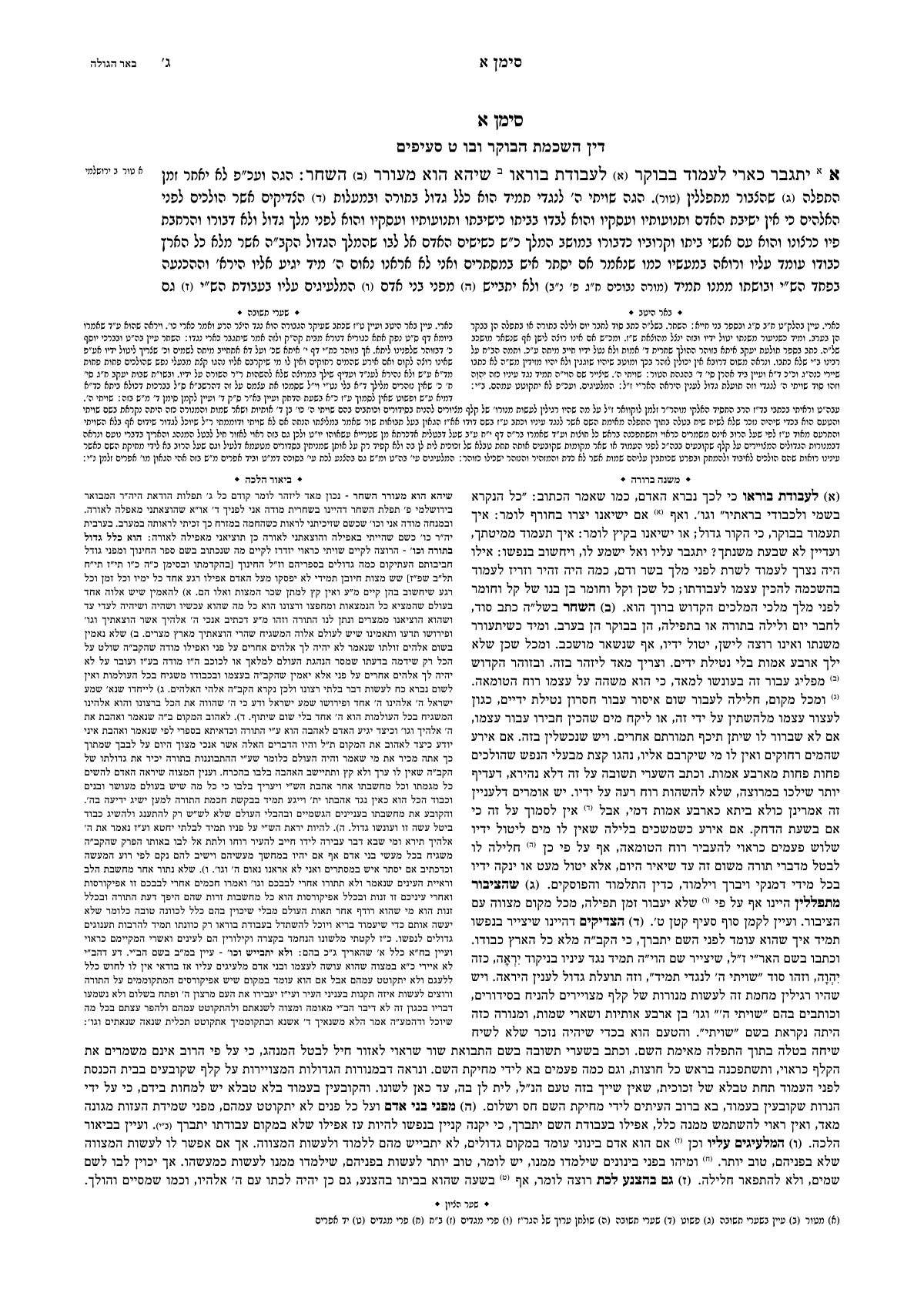
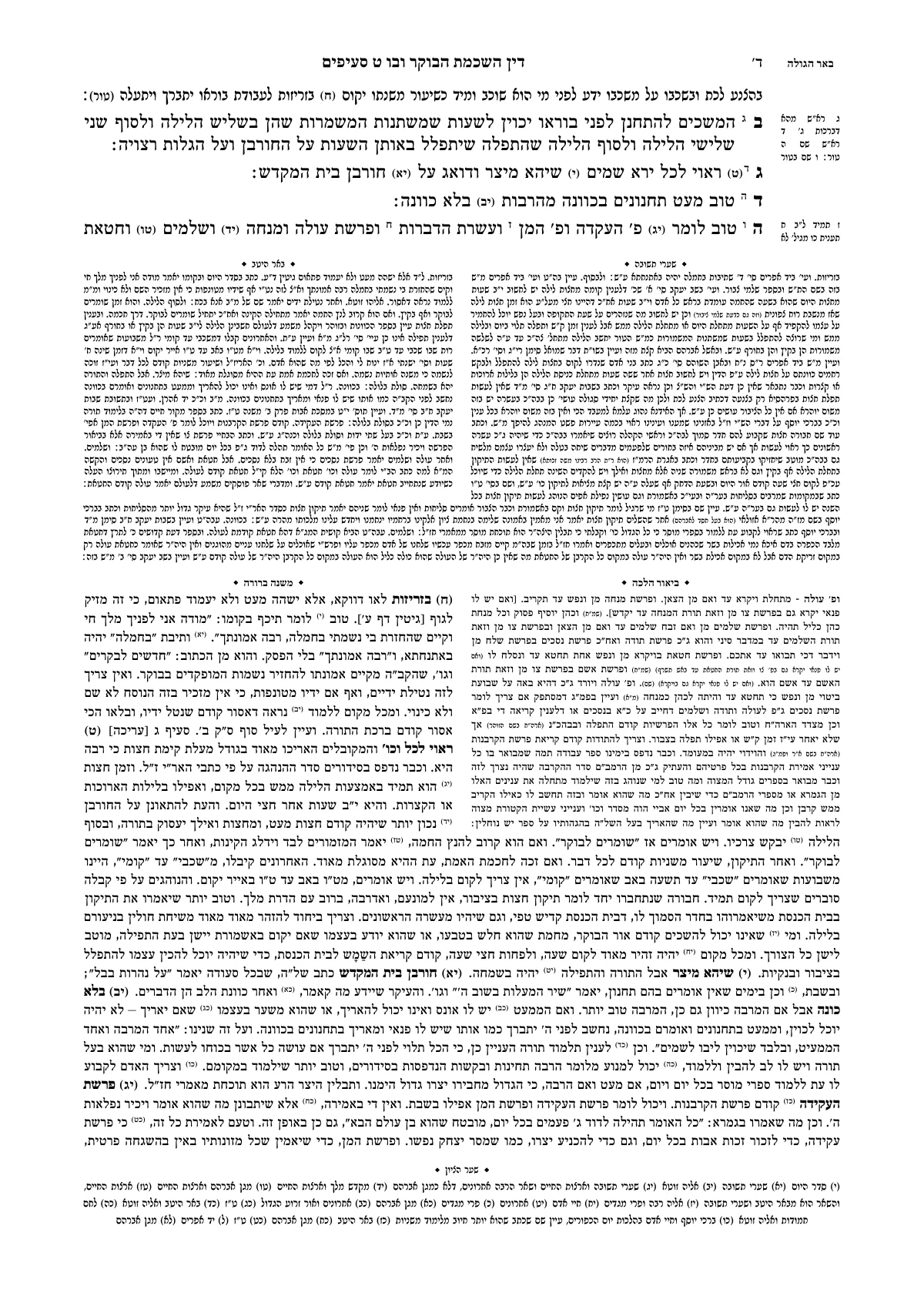
Shulchan Aruch
Mishnah Berurah, Hilchos Hashkamas HaBoker
Six texts on one page, each with its own width, font and size.
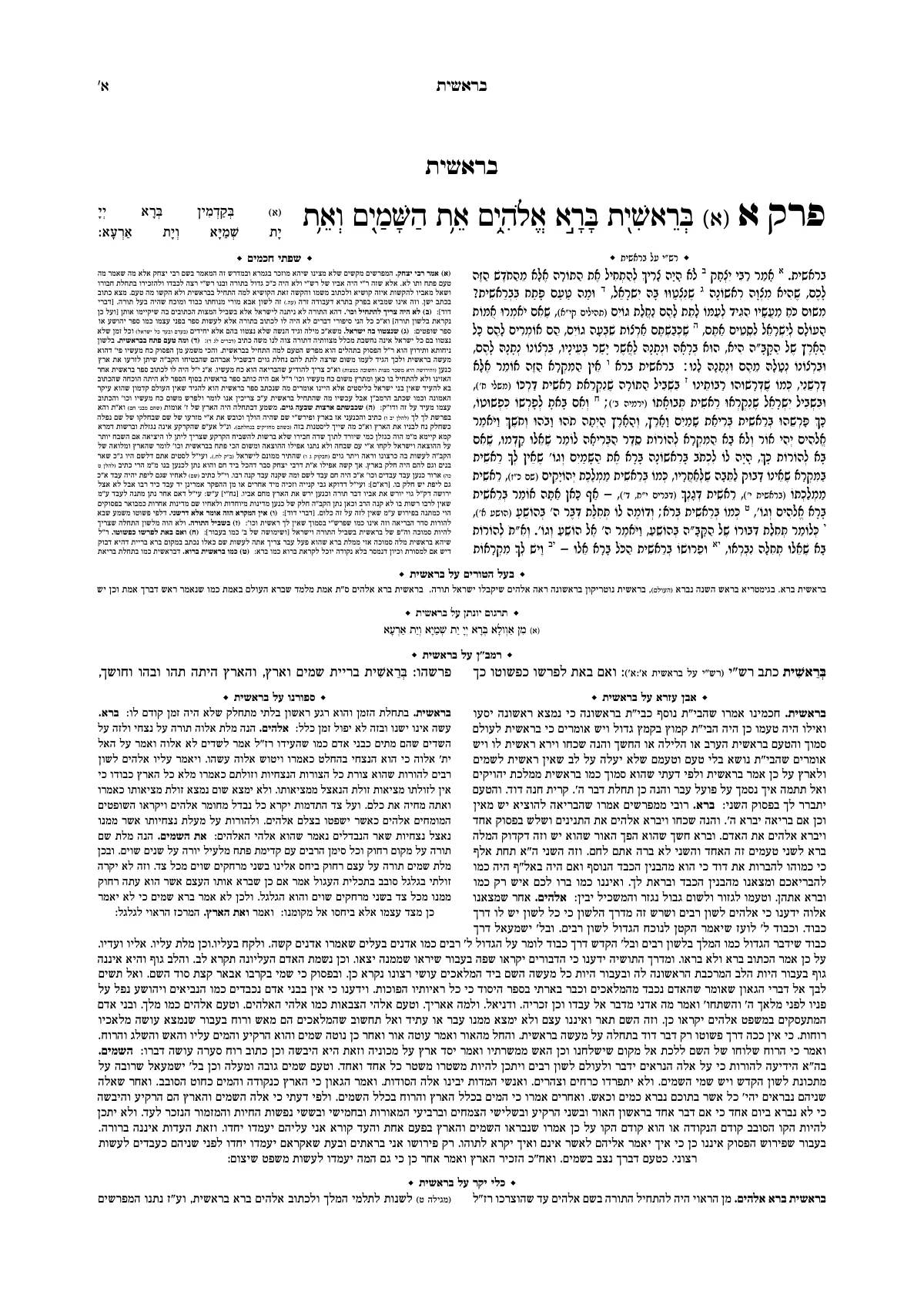
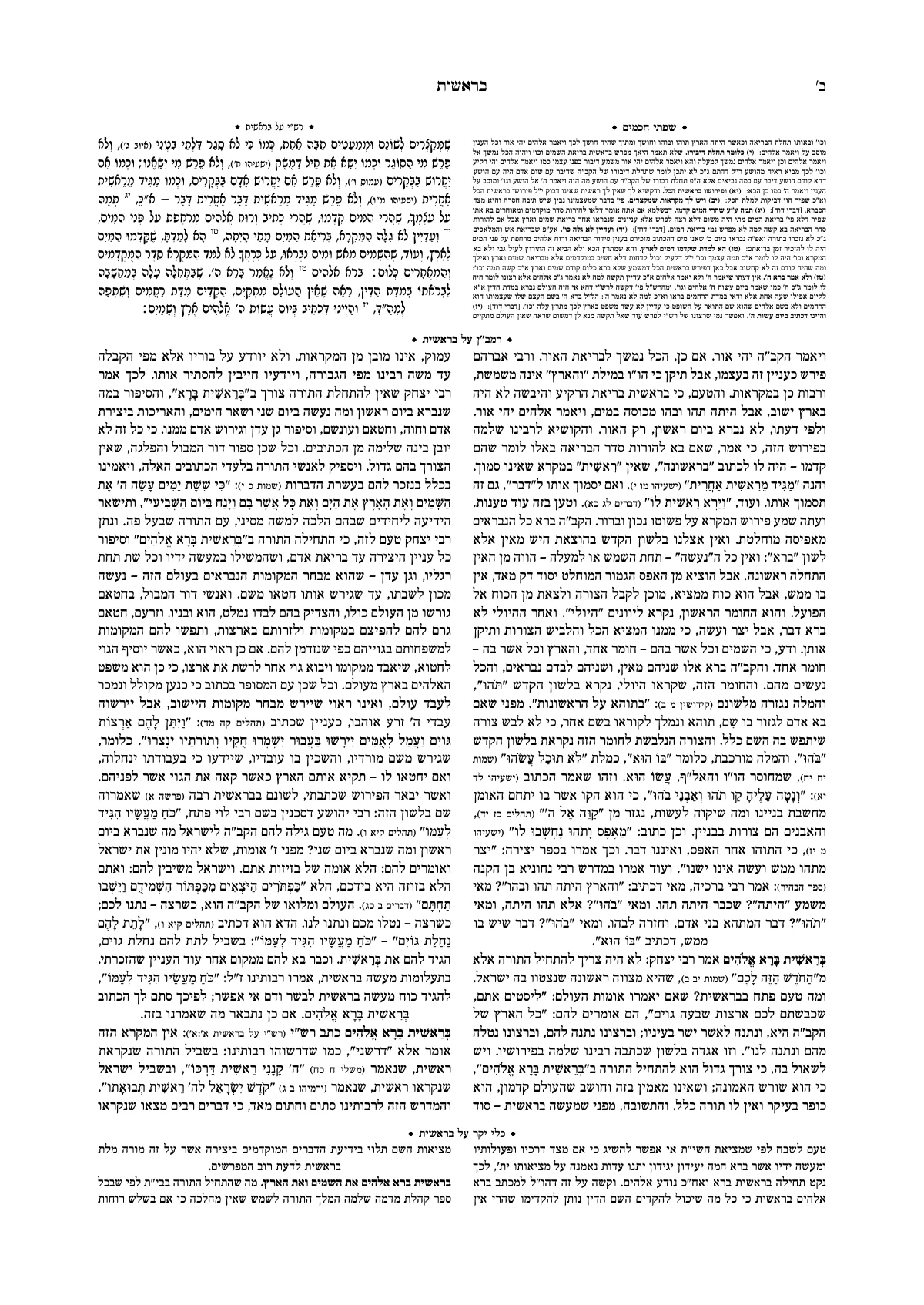
Mikraos Gedolos
Parshas Bereishis
The pasuk and the targum above, and the commentators in tiers beneath. Up to sixteen commentators around the text.
A title page and contents, as from a print shop
This is the title page of the kuntres on Hilchos Shabbos, as it came out of Ariach. And whatever you want to change, you change on the page itself.
What it costs
All the work on the book is done before you pay. You pay only when you export the final file, once per book.
The work on the book
All of it, before you pay
- Importing from Word and Otzaria, and writing in the studio
- Every design, title page and ornament
- The Assistant
- Every page of the book on the screen, and a sample PDF of the first pages
Export a booklet
$12
Up to 48 pages
One payment per book
Export a book
$20
Over 48 pages
One payment per book
- One payment per book, and you export it as often as you like: for proofs, corrections and new editions.
- Before you pay you see every page, so the file you get is exactly what you saw.
- Nothing is charged without your explicit approval on the payment screen. Launch prices.
A daf of Gemara, typeset here in your browser
This is Ariach's engine, running in this page on the opening of Maseches Berachos, with Rashi and Tosafos in Tzuras HaDaf. Change the words of the Mishnah, take Rashi or Tosafos off, or make the letters bigger: the whole daf is set again around the Gemara, at once.
Loading the engine…
For those who typeset seforim for a living
The difference between a book printed from Word and professional typesetting is in the details. In Ariach they take care of themselves, and what you set by hand stays in your hands.
- A page that didn't work out says why
- It is flagged for review with the reason and what you can do: a change of setting that you apply with one click, or the place in the text worth shortening. Nothing is fixed behind your back.
- Layout instructions anchored to words
- End the page before this word, one line less, start on the next page. The instruction stays in its place even after proofreading corrections.
- Dividing the page by dragging
- Drag the bottom of any text on the page itself, and see at once what moved to the next page.
- The whole book at once
- The engine chooses the page breaks of the whole book together: columns that end together, no orphan lines, and full pages.
And much more
Everything Ariach does, from the file you have to the file for the print shop, and what it doesn't do yet, on one page.
Questions before you start
Have a question? We're glad to help.
About your book, a problem or an idea. We usually answer within a business day.
I've never typeset a book. Will I manage?
Yes. Upload the file, choose a ready-made design or ask the Assistant for one, and fix what you don't like. Every action can be undone. The sample book is open without signing up, so you can try it before you decide. The Assistant and PDF download open with an account, and the account is free.
How much does it cost?
Working in the studio is free: writing, importing, designing, the Assistant and a view of every page of the book. A book's final file is a one-time payment per book, at launch prices: $12 for a booklet of up to 48 pages, $20 for a book. You pay once, and export the same book as often as you like — for proofs, corrections and new editions.
I've been typesetting for years. What is here for me?
A book that is laid out all at once and stays in order after proofreading. A page that didn't work out says why, and what you set by hand is anchored to words and doesn't move when the text changes.
Does the book stay mine?
The book is kept in your account, and only the people you added can see it. At any time you can export it to Word or to Otzaria, or delete the account.
Do I need to install anything?
No. Ariach opens in the browser on a computer, and also works through NetFree.
Open the sample book, and change something in it
The sample book opens at once, with no sign-up. When you want to typeset a book of your own, open an account and upload the file.
A question before you start? Write to us, and we usually answer within a business day.